
The post may contain advertising due to name mentioning
Tutanota: What You Should Know About Encryption – and How It Works with Emails to Other Providers
One thing upfront: I’m telling you this today not because someone asked me to, but because it’s important for you to know how secure email communication can be – without much technical jargon.
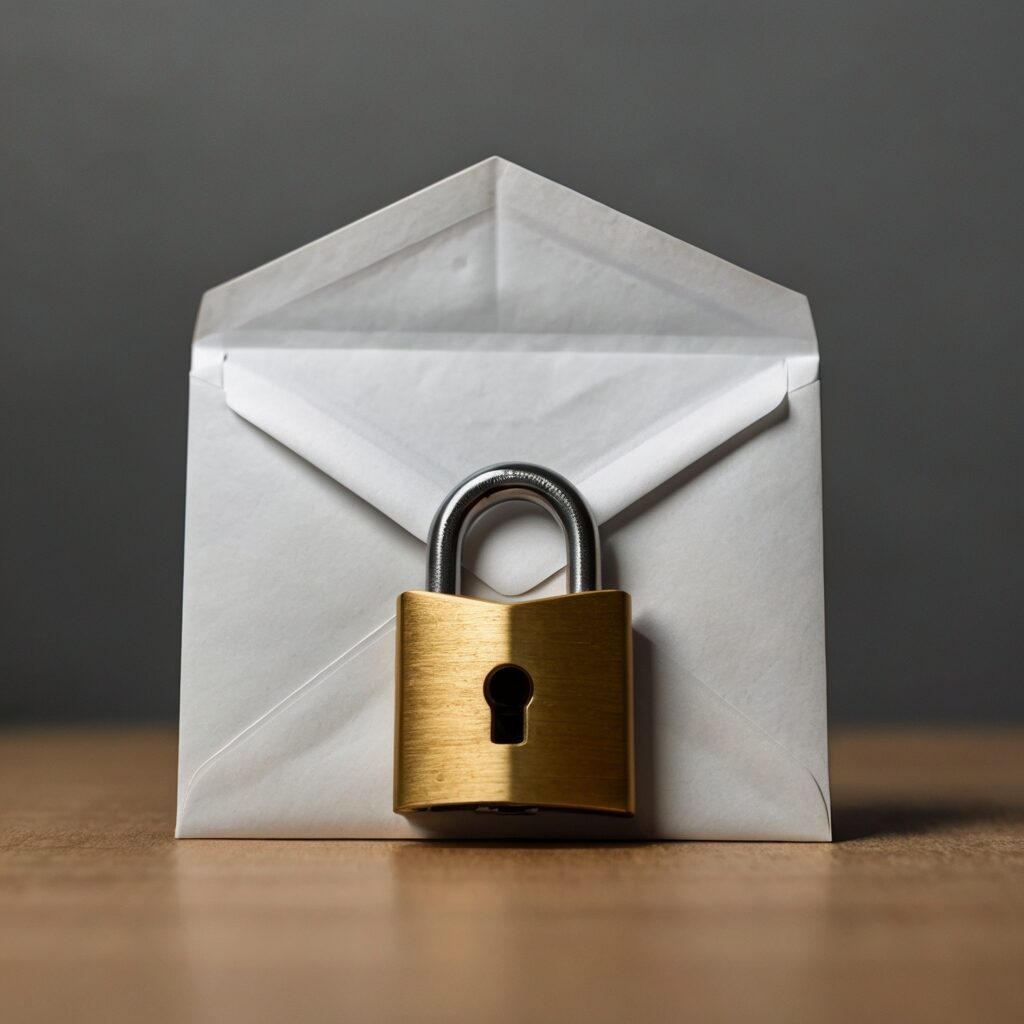
Many people use what they get from their email provider. The web interface of Google, Web.de, or others. But they all watch if you don’t encrypt your messages. An unencrypted email is basically like a postcard. Anyone can read it.
That’s why I want to introduce you to Tutanota – an email provider from Germany that specializes fully in encryption and makes it easy for you to send your messages really securely.
How Encryption Works with Tutanota
The best thing first: With Tutanota, you don’t have to worry about complicated technology. Encryption happens automatically, directly on your device. Before your email reaches the internet, it’s already securely packed.
When you set up your Tutanota account, your computer or phone generates a unique key – almost like your personal security lock. This lock ensures that only you can open your emails. And don’t worry: Your key is stored on the servers, but always encrypted – no one else can access it.
Tutanota encrypts everything: not just the content of your message, but also the subject, attachments, and even your name as the sender. And they use modern methods that are supposed to protect even against future technologies like quantum computers.
For you that means: You get an encrypted email without having to worry about passwords or keys. Just write and send – Tutanota takes care of the rest.
And what if you write to people who don’t have a Tutanota address?
That’s an important question because not everyone encrypts their emails. That’s why Tutanota has a smart solution.
If you want to send a secure email to someone who doesn’t have a Tutanota address, the system creates an encrypted message that the recipient can read via a link in their browser.
To keep it safe, you both need to agree on a password. But you don’t send this password via email – that would be unsafe. The best way is to hand it over in person, over the phone, or on another secure way.
Then your recipient can click the link, enter the password, and read the message – simple and secure, even without special software.
And yes, I know that this is a bit cumbersome. Because you can’t agree on a password with everyone. That’s why Tutanota also offers the possibility to send emails unencrypted, which is, however, insecure.
Emails sent internally within the Tutanota network are automatically encrypted and you don’t need to exchange a password via an “cumbersome way” here.
Why Tutanota?
Because it really provides you with security without you needing to be an IT expert. Tutanota protects your emails from start to finish. No more prying eyes from big providers or hackers.
If you want to try it yourself and see how easy and convenient it is, you can sign up here and get started right away: Test Tutanota for free .
One Last Tip
Passwords for encrypted messages to non-Tutanota users should always be shared on a secure way. That’s the difference between secure and insecure.
I hope this article has shown you that encryption doesn’t have to be complicated – and that Tutanota is a really good solution for that.