
Currently, there is a lot of discussion in Facebook groups about the “new” Fritz!Box feature as a DNS filter. I do not want to speak ill of the feature itself, however, I will not use it myself for good reasons for me. Because I have been operating my own DNS server on a Raspberry Pi 3b with AdGuard Home for several years, which takes over exactly what this feature is supposed to do: prevent advertising and tracking. Moreover, such a feature has no place for me on a router.
The reason why I am not writing a tutorial here now, but writing generally about the topic, is a comment that caught my eye in one of the groups, when a user presented it and showed via a screenshot how many DNS requests he had already blocked with it. On the screenshot one could see around 53 % of all DNS requests that were blocked. The reason is rather a comment under the post, which goes roughly like this:
But are you already aware that there is a certain intention behind it, to no longer disturb and destroy the functionality of the pages as necessary. Also read the explanations about it - it’s just a compromise between filtering and functionality.
Of course, one can also totally overdo it, so you and appear like the total King and then have such results and have to live with the fact that much no longer works or is displayed, but that remains up to each individual.
Now that can be seen that way, but that is only partially correct. And one does not feel like the King just because one wants a bit more privacy on the Internet.
For the saying: Whoever has nothing to hide has nothing to fear, is in my opinion simply stupid. With people who make such statements, I also like to ask for their OnlyFriends account, where I then get to experience their lives 24/7 in really all situations. After all, they have nothing to hide.
However, I had to hear exactly these statements too when I started writing about the topic of privacy and data protection on the Internet and how one can get that back a good piece again. I was even accused of paranoia.
The functionality of a website
A website does not automatically lose its functionality just because one blocks tracking and the advertising there.
For example, I have some apps on my smartphone where advertising is also sometimes displayed. Through my local DNS server, this advertising is blocked. The apps, however, continue to run normally. That is also the case with websites.
Just because I block ads there, or suppress tracking via cookies and other methods through a filter, I can still use the website normally. The site operator then earns no money from me because ads are not displayed. Nor can a clear visitor profile be created from this.
The same applies to this site. Anyone who visits this page is informed that certain services are used here, through which I pass visitor data to third parties. What these parties do with it, I cannot say. However, this is unavoidable for certain functions, such as the EcoMove map, if one wishes to use specific features of this map.
Anyone who uses ad and tracking blockers on my site can still visit the page normally, as if they were not using such tools. The same applies to Amazon or eBay: one can comfortably use all functions there, even if certain things are blocked.
What exactly is this tracking?
Tracking essentially means tracking what someone does on the internet. Which sites do I visit? Which products do I look at? What do I click on? Such information can be collected and linked together. Gradually, a picture of my interests and habits emerges.
A simple example: I search for new shoes in an online shop. Later, I read an article on a completely different website and see an ad for exactly those shoes there. This may be because an ad provider has recognized me. They do not need to know my name. It is enough if they can attribute my visits to the same user.
This is possible because many websites integrate services from ad and analytics providers. If the same provider is present on multiple sites, they may be able to determine which of these sites I visit. What initially sounds like individual, insignificant clicks can, when combined, reveal a lot about me – such as my hobbies, purchasing intentions, or health-related interests.
Not every visitor statistic equates to cross-internet surveillance. For instance, a website operator might simply want to know which of their articles are frequently read. However, for me, there is a difference between a site’s usage being analyzed and third parties combining my visits across many websites into a profile.
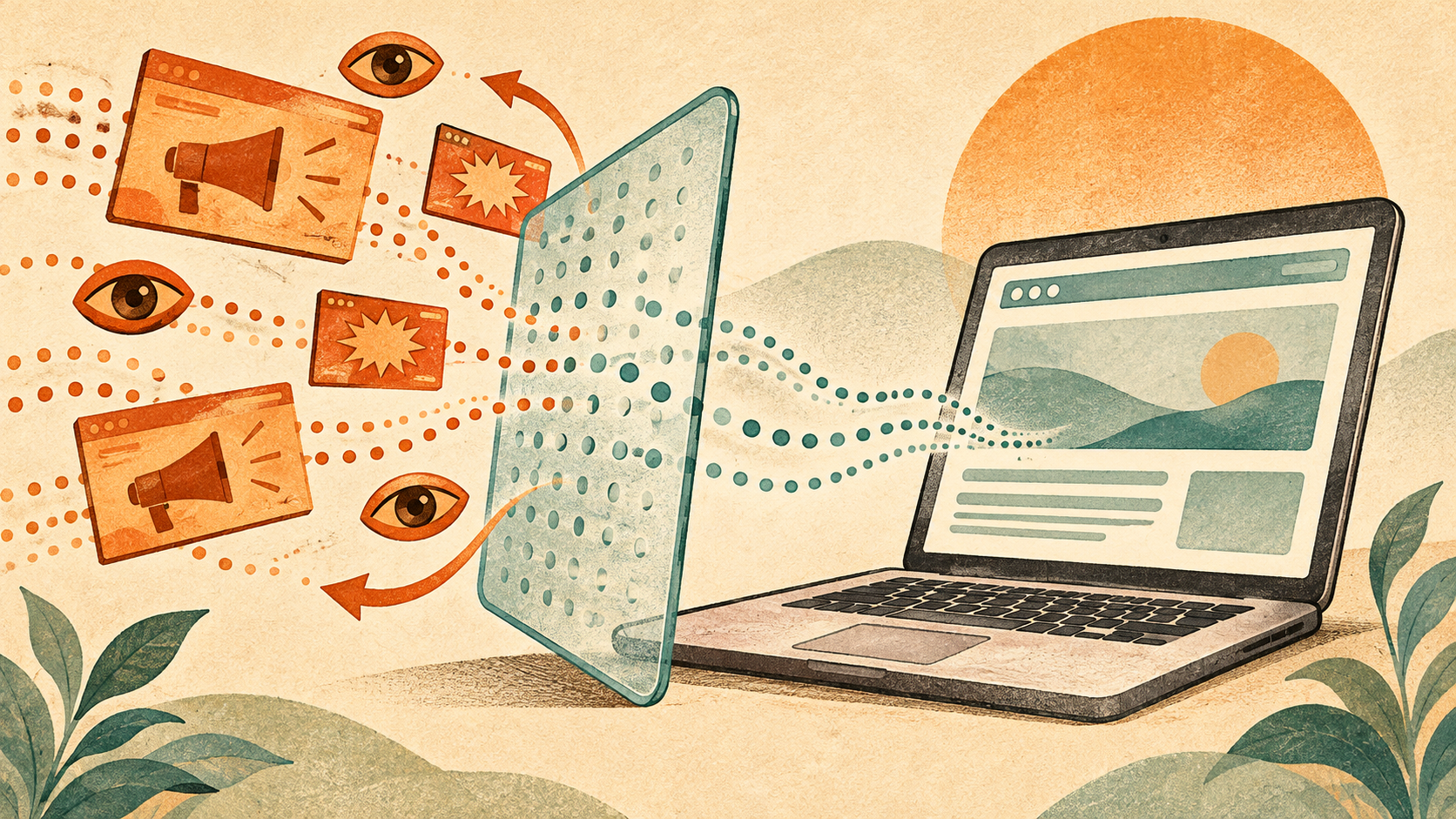
This is precisely where advertising and tracking filters come into play. Blocklists contain known addresses of advertising and tracking services. A DNS filter like AdGuard Home can block connections to these addresses. As a result, less data reaches these providers, and part of the advertising is not even loaded. However, this does not offer complete protection against every form of tracking. And if a required function runs via a blocked address, restrictions may occur.
My goal is not to achieve the highest possible block counts. I want to be able to decide for myself who learns something about my behavior on the internet. How much a filter blocks, in itself, tells neither how well it protects nor whether a website becomes unusable as a result.
When advertising data serves surveillance purposes
That this involves more than just fitting shoe advertising is shown by a report from netzpolitik.org from November 19, 2026 . Citing Bloomberg, the editorial reports that the Federal Police are supposed to use the surveillance tool Webloc. It is supposed to evaluate location data from the advertising environment of smartphone apps and thereby make the movements of individual devices traceable. The alleged use was not officially confirmed to netzpolitik.org; the Interior Ministry refused to provide information. The legal basis is also disputed.
For me, this example shows why the statement “I have nothing to hide” is too short. Data that is ostensibly collected only for advertising can later be of interest for entirely different purposes. There is a difference between someone wanting to sell me shoes and being able to trace where I have been.
Advertising and tracking filters can prevent some data transmission to known services. However, they cannot retrieve data that has already been collected or resold. And an ad blocker in the browser does not automatically protect against data collection by other apps. Therefore, it is worthwhile to take a closer look at the permissions that apps receive – especially regarding location.
Less advertising can also mean more security
Advertising and tracking filters have another advantage: they can reduce the risk of malware landing on your own device. Because advertising can also serve as an entry point. Criminals can insert manipulated ads into advertising networks. Such ads can then even appear on reputable websites, without the operators having intentionally changed their own site. This is referred to as “malvertising” – that is, malware or fraud via advertising.
Protection begins even before the ad is displayed: An ad blocker can prevent advertising content and the associated programs from being loaded at all. If a harmful ad is blocked in this way, the malicious code hidden within it does not reach the browser either. It is therefore about more than just making a distracting banner invisible. Also the FBI lists ad blockers as a protective measure against fraudulent search engine ads , which can lead to malware among other things.
Similarly, this can help with a hacked website that secretly loads content from other servers. If the address of such a server is on an active blocklist, the filter can prevent the connection to it. A DNS filter like AdGuard Home checks the requested addresses, not the content of a downloaded file. Which connections it blocks depends on the lists used. AdGuard explains this principle and its limitations in the documentation on DNS filtering. .
However, this does not mean that an ad blocker makes every infected website harmless. New or previously unknown malicious addresses can slip through. If a website delivers the malicious code directly via its own, unblocked address, a DNS filter cannot help in that case. Up-to-date browsers and an up-to-date operating system remain important for this reason.
For me, this is another good reason for such filters: What is never loaded in the first place in the form of harmful content cannot cause any damage via this route.
Conclusion of the whole
Personally, I prefer to separate these tasks: The FRITZ!Box takes care of my internet access, while AdGuard Home on the Raspberry Pi handles the filtering. Although a DNS filter on the router also requires additional computing power and memory, this does not automatically mean that the internet connection becomes slower as a result. For me, separate administration is crucial: I can maintain blocklists and exceptions independently of the router. Since this solution has been running for me for several years, I have no reason to shift the task to the FRITZ!Box.