

New Android Trojaner ToxicPanda: How dangerous is the threat really?
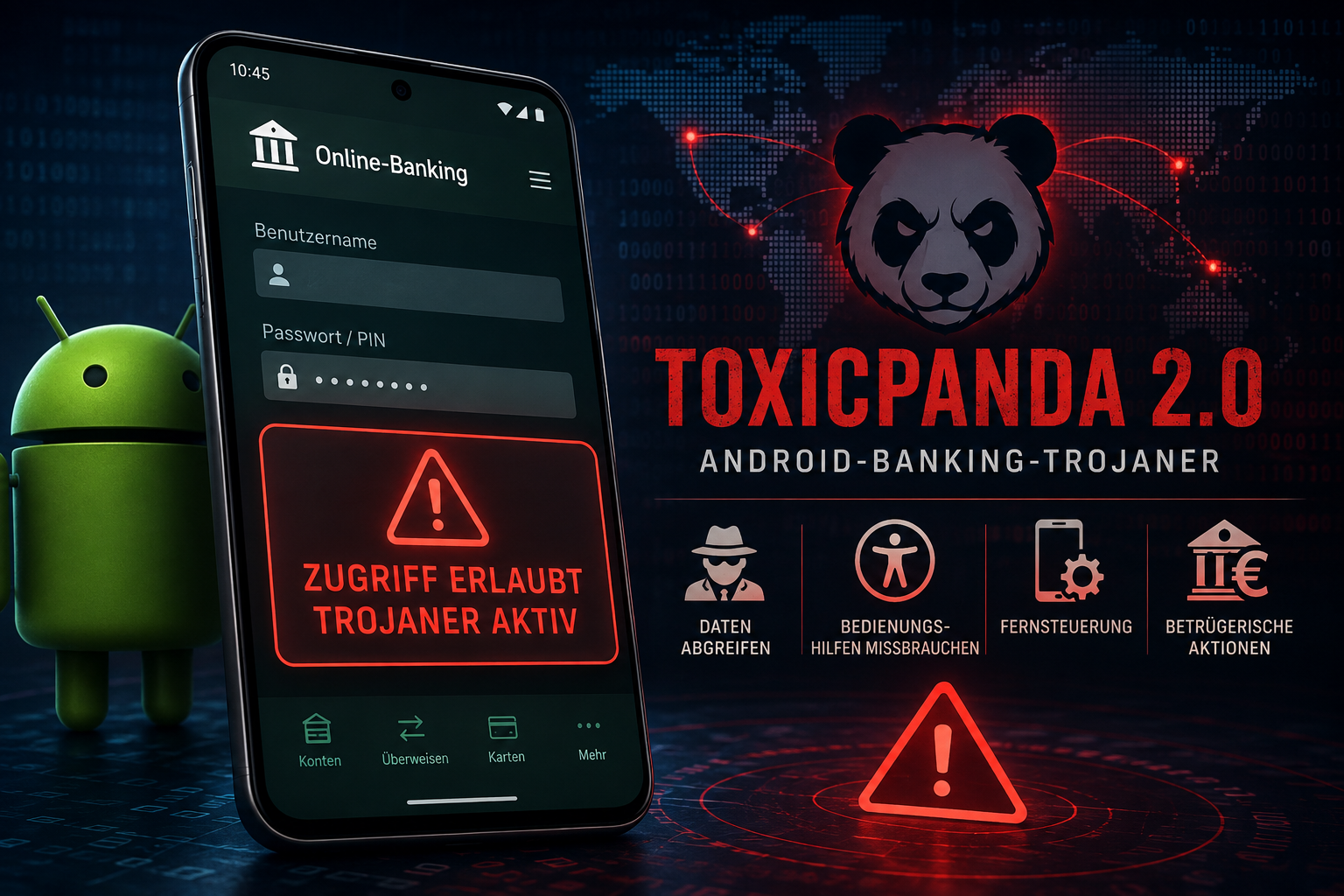
Currently, there is a warning about a new version of the Android banking Trojaner ToxicPanda. The malware is definitely something to take seriously: security researchers have discovered significantly expanded features in ToxicPanda 2.0. The Trojan can, among other things, place fake input windows over banking apps, steal PINs and login credentials, and use Android accessibility features to partially automate actions on the smartphone.
Particularly problematic is the so-called “On-Device Fraud”. The attacker performs fraudulent actions not from a foreign computer, but directly via the infected smartphone. This way, he can use the normal IP address, an existing app session, and other device characteristics that banks usually use to detect suspicious access.
The new version is said to target significantly more applications. According to security researchers, functions for remote control have been expanded, and hundreds of banking, financial, and e-wallet apps have been identified as potential targets.
No automatic infection
Despite the somewhat alarming headlines, there is also an important limitation: ToxicPanda does not usually install itself automatically.
The attackers mainly rely on Social Engineering. Users are supposed to be tricked into installing a manipulated Android app outside of the official app store via fake messages, advertising, or supposed support messages. Afterward, the malware tries to gain extensive permissions – for example, access to accessibility features, VPN functions, or device administrator rights.
How to protect yourself
The most important protection is actually quite simple:
- Install apps primarily from trusted sources.
- Do not install APK files from links in SMS, messenger messages, or dubious websites.
- Be especially careful if an app suddenly requests access to accessibility features, device administrator rights, VPN, or developer options.
- Regularly update Android and installed apps.
- Do not click on links in supposed bank messages, but instead open the banking app or the known website directly.
- Immediately check and remove unknown or suspicious apps.
If you suspect that your smartphone may already be affected, you should first disconnect the internet connection and inform the bank from another device, or check login credentials and ongoing sessions. Afterwards, you should check suspicious apps and unknown permissions. In doubt, a factory reset may be necessary.
Conclusion: ToxicPanda 2.0 is no harmless malware and can be particularly dangerous for users of banking apps. However, panic is not appropriate. Those who do not install unknown apps and remain skeptical about unusual permission requests significantly reduce the risk. The most important protection mechanism is, as often, in front of the screen.