
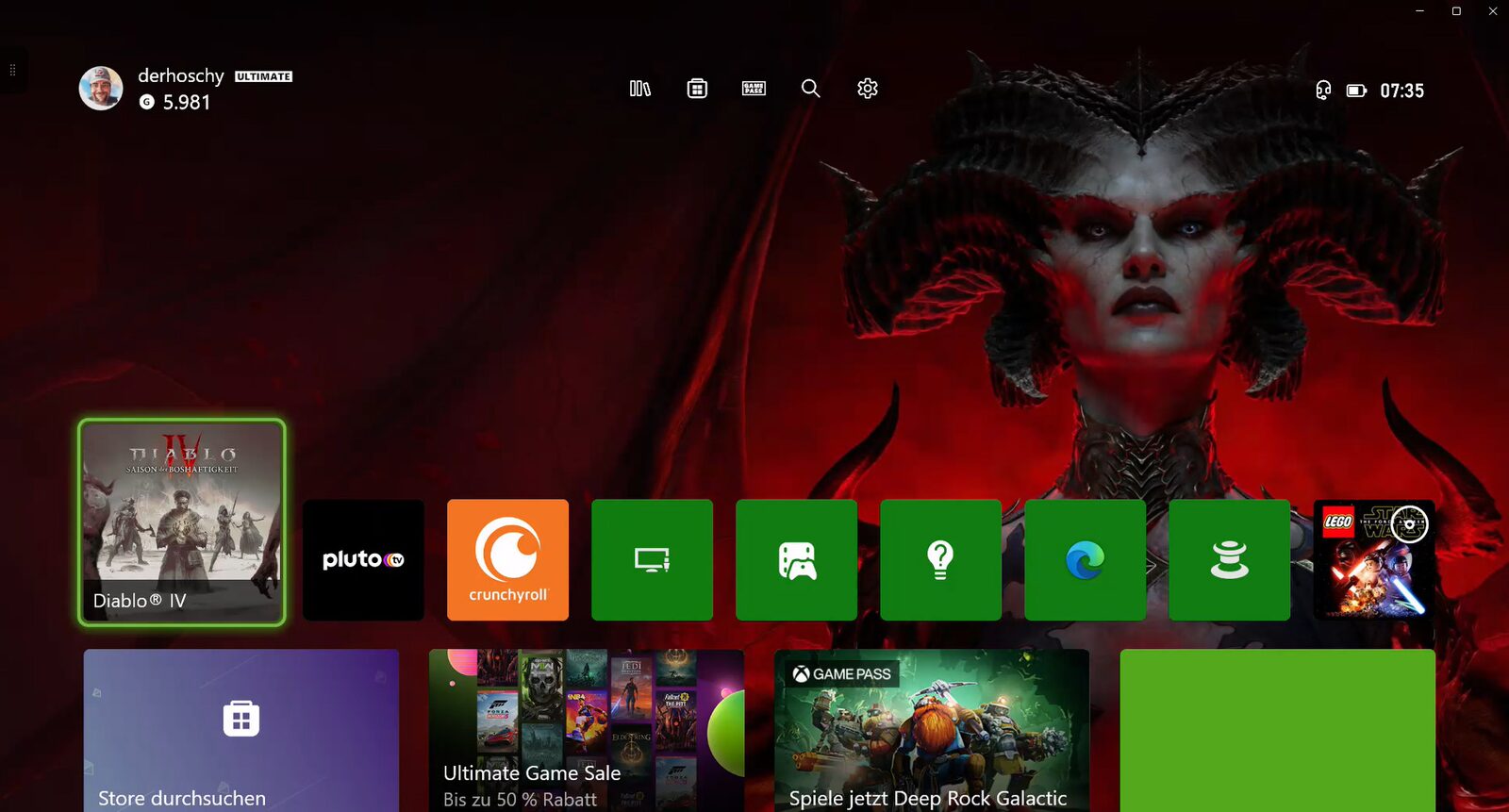
Currently, there is no direct way to stream live from an Xbox to TikTok. However, thanks to Xbox Game Pass, there is a cost-effective workaround. I will show you this in this tutorial.
In many guides I found myself, one has to buy expensive hardware. However, I am someone who takes what they have and tries to achieve what they want with it.
Extra Hardware? Not Here!
I searched the web for possibilities, and others had them ready as well. One should buy so-called Game Capture Cards, connect them to the Xbox, configure them, and then stream to TikTok via a PC and corresponding software (which also needs configuration).
But buying extra hardware for that? Especially since I don’t have financial concerns for streaming anyway? No, it has to go differently. And lo and behold, Microsoft himself gave me the idea.
What do I need?
Let’s first assume that the prerequisites for live streaming on TikTok are met. That means TikTok Live Studio is already set up. I will not cover this here; there are plenty of guides on YouTube.
So what do I need:
- TikTok Live Studio
- An Xbox (logically)
- PC or Laptop
- Xbox App from the Microsoft Store on the PC/Laptop
- MS Windows 10 or 11
- Remote streaming must be active on the Xbox
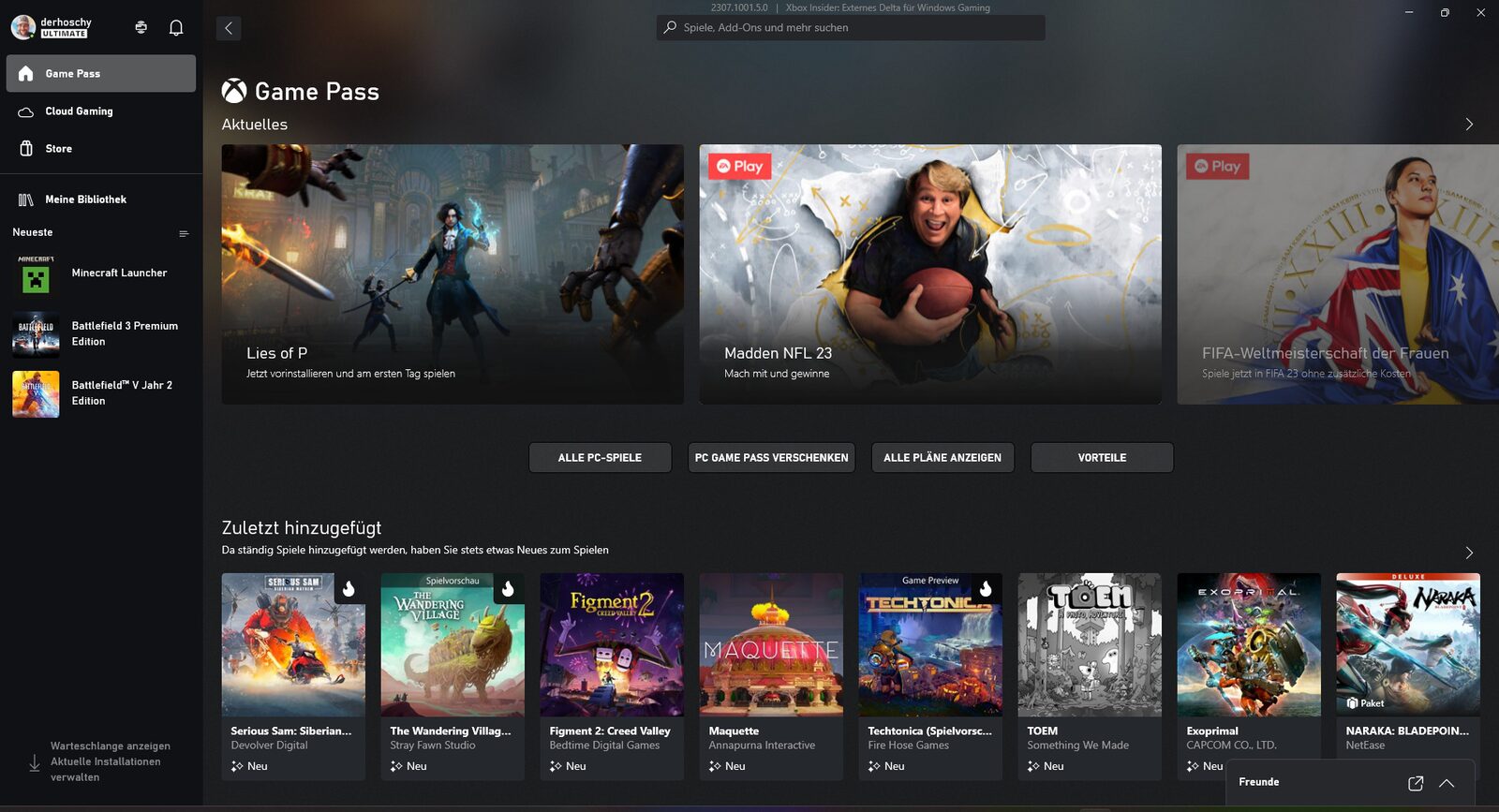
First, start the Xbox, log in, and be happy.
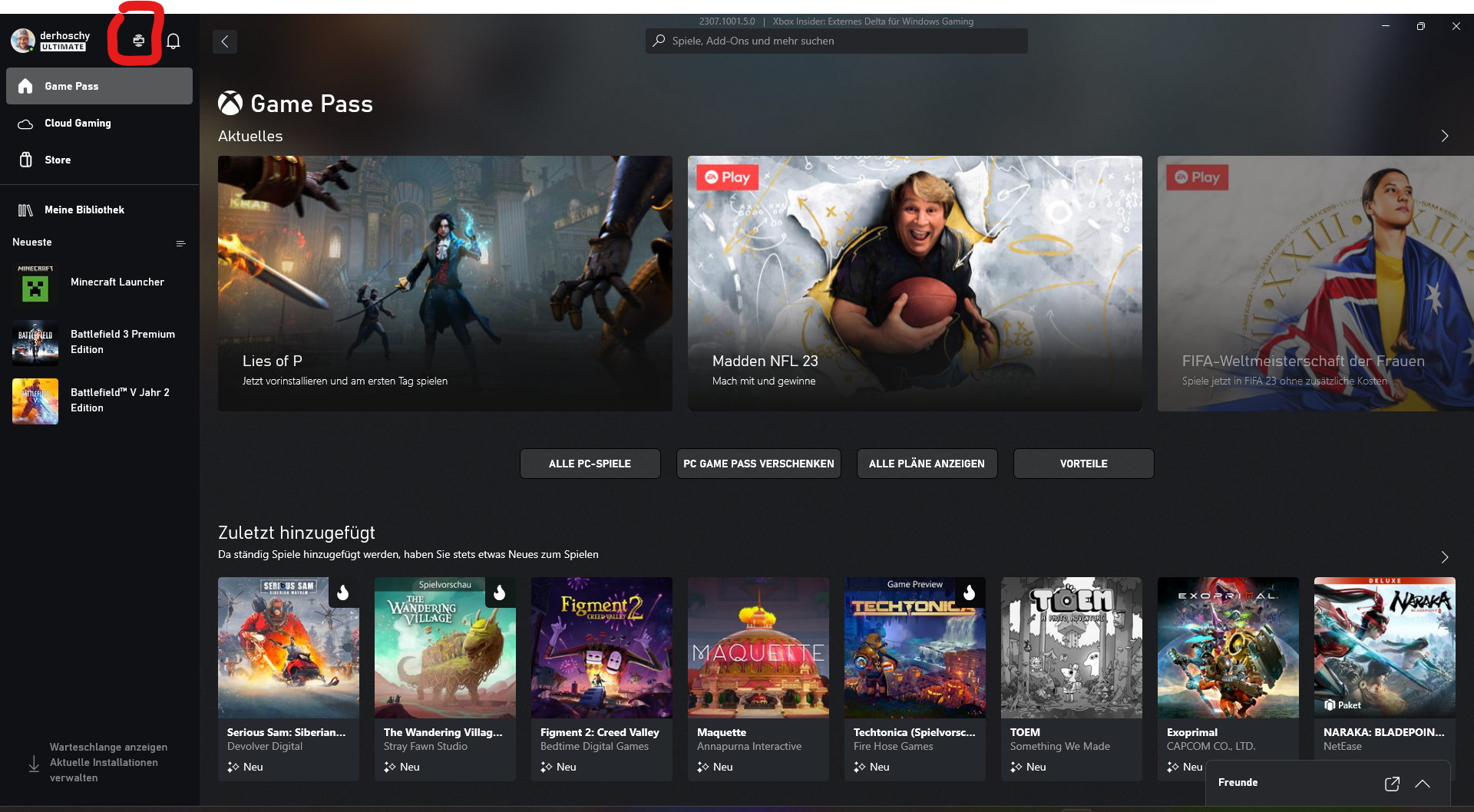
Then, start the Xbox App on the PC/Laptop and, if not already done, connect it to the Xbox. Simply follow the instructions on the screen.
Click on the symbol marked in the red box and select the corresponding Xbox from which you want to stream (yes, there are people who, like me, have more than just one).
This scenario appears briefly, after which the Xbox home screen starts.
When the Xbox home screen appears, you can choose what to do. Either download the game to be streamed in the meantime, or start TikTok Live Studio, go down to “Start Live,” and it’s off to a good start.
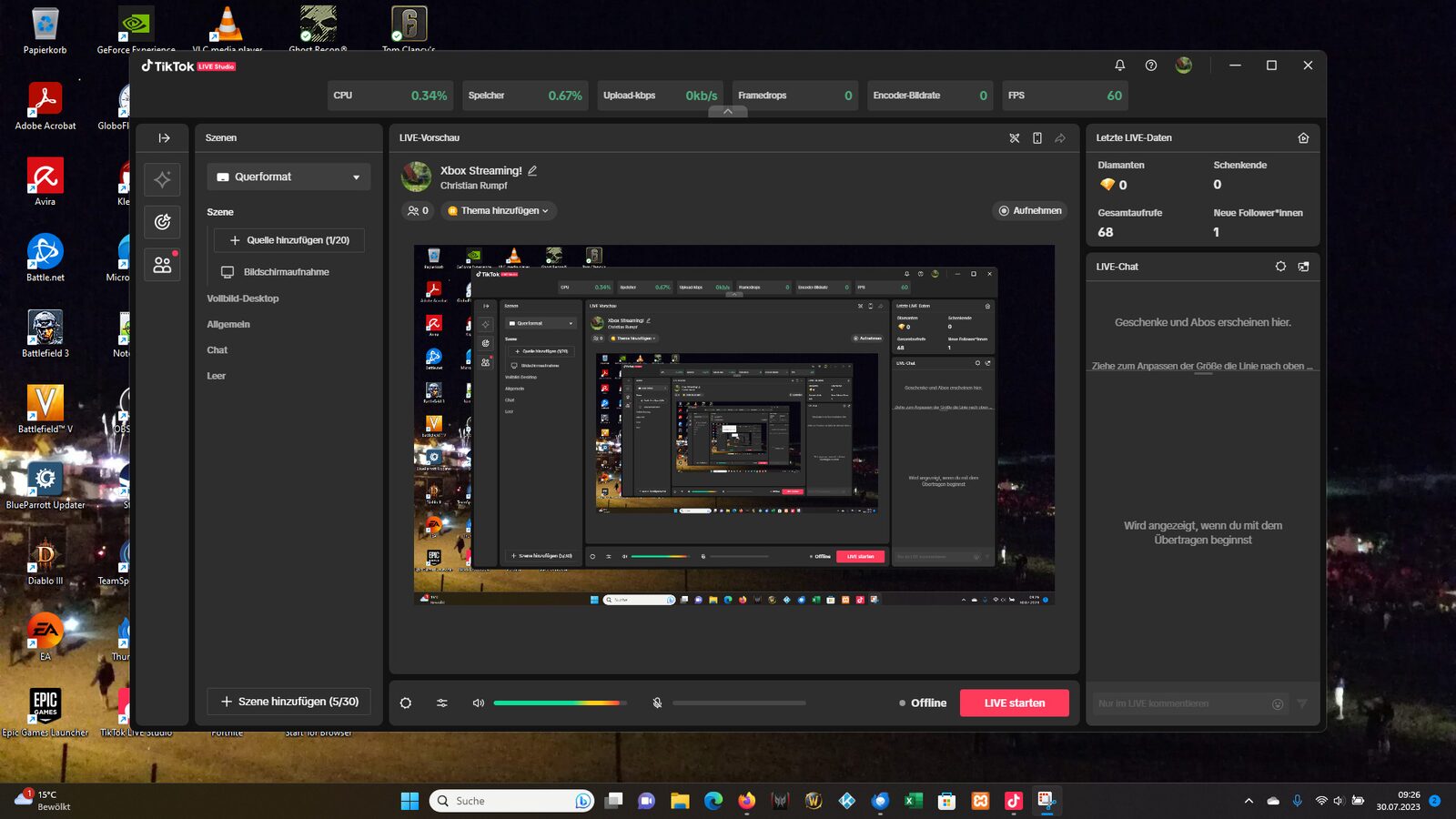
As soon as you have started the live stream, the game will also be transmitted, provided the Xbox App is in the foreground. Otherwise, you will only see your desktop with TikTok Live Studio 🙂